






Integration into open BMS Systems · Kampmann
Room comfort. Connected to the building.
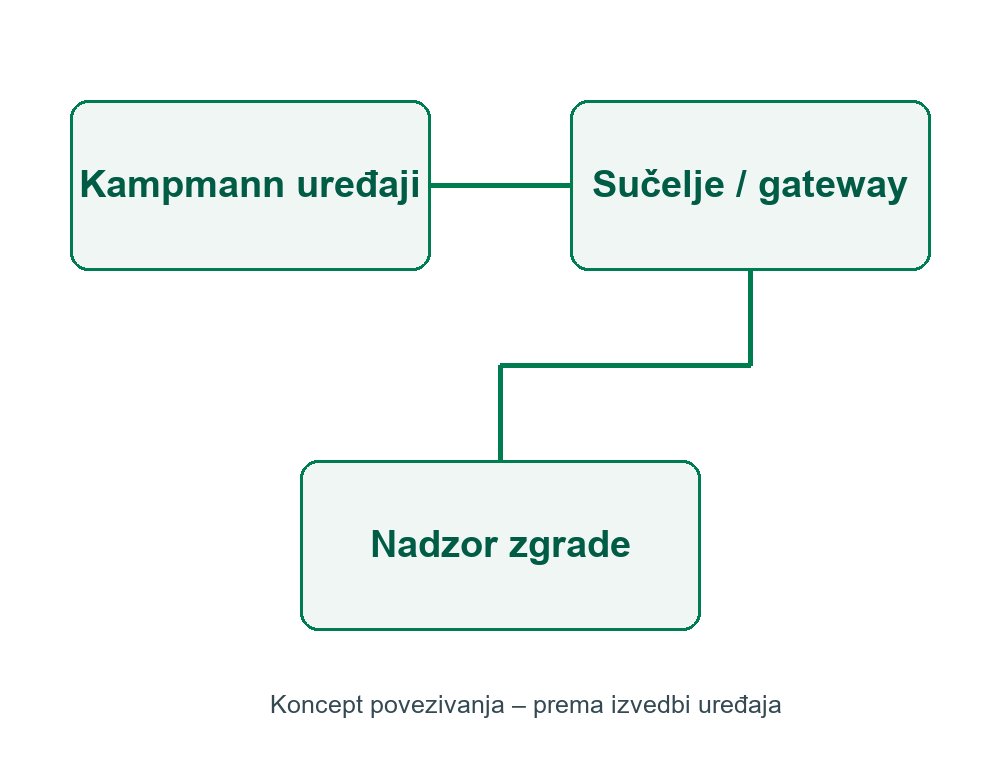
Compatible Kampmann units can be integrated with a building management system using the appropriate controls and interfaces. The available functions depend on the product and control generation.
Designed around your project
- Define the required monitoring points, setpoints, operating modes and alarms before selecting interfaces.
- Current KaControl MC arrangements, for example on Venkon, support protocols including Modbus RTU, Modbus TCP, BACnet/IP and KNX-TP with the appropriate configuration.
- Check device grouping, cabling, gateways and the manufacturer’s data point list for the exact selected equipment.
What matters when selecting the unit?
Protocol availability does not mean that one interface fits every Kampmann product. Older C1/T-LAN and current MC systems require separate compatibility checks.
Product selection with TDC
Send us the room layout, required heating or cooling duty, system temperatures, available installation space and controls requirements. We will help select the equipment and suitable accessories.
Request a quotation Current manufacturer data →
Kampmann documentation and downloads
Dimensions and available versions
There is no universal interface size or card for every installation. Allow space for the selected gateway, controller, cabinet and cabling according to the specific electrical diagram.
Technical details
Current KaControl MC, for example on Venkon, supports Modbus RTU, Modbus TCP, BACnet/IP and KNX-TP with appropriate configuration. The Venkon example allows CAN communication for up to 10 units in a room/group; check other product limits separately.
Installation and project planning
Define data points, operating modes, setpoints and alarms against the manufacturer’s list. Confirm the control generation before selecting cards or gateways; older C1/T-LAN and MC may use different topologies.
Benefits
Compatible Kampmann units can be integrated with a building management system using the appropriate controls and interfaces. The available functions depend on the product and control generation.
Define the required monitoring points, setpoints, operating modes and alarms before selecting interfaces. Current KaControl MC arrangements, for example on Venkon, support protocols including Modbus RTU, Modbus TCP, BACnet/IP and KNX-TP with the appropriate configuration. Check device grouping, cabling, gateways and the manufacturer’s data point list for the exact selected equipment.
Current KaControl MC, for example on Venkon, supports Modbus RTU, Modbus TCP, BACnet/IP and KNX-TP with appropriate configuration. The Venkon example allows CAN communication for up to 10 units in a room/group; check other product limits separately.
Define data points, operating modes, setpoints and alarms against the manufacturer’s list. Confirm the control generation before selecting cards or gateways; older C1/T-LAN and MC may use different topologies.
There is no universal interface size or card for every installation. Allow space for the selected gateway, controller, cabinet and cabling according to the specific electrical diagram. Protocol availability does not mean that one interface fits every Kampmann product. Older C1/T-LAN and current MC systems require separate compatibility checks.